
Personal Projects
Pi Songs
My music generating algorithm produces million-hour long songs using the first one billion digits of pi (3.14…) These digits supply the “turn signals” used to determine every musical expression for each album in the Pi Songs project. Vice Motherboard wrote up a nice article on this effort.
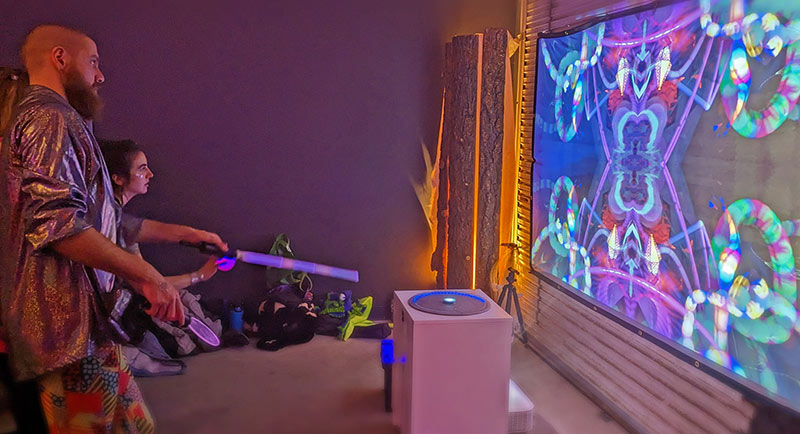
Light Painting Projector
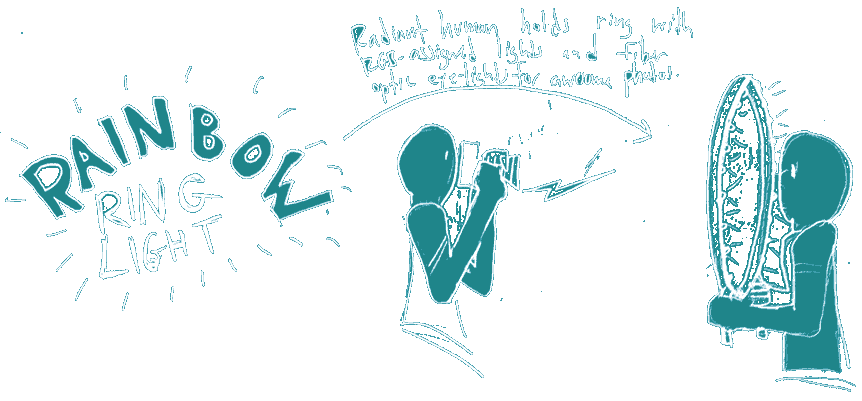
Rainbow Ring Light
I invented a big 28″ ring light with individually controllable RGB LEDs for taking flattering and sometimes otherworldly portraits.
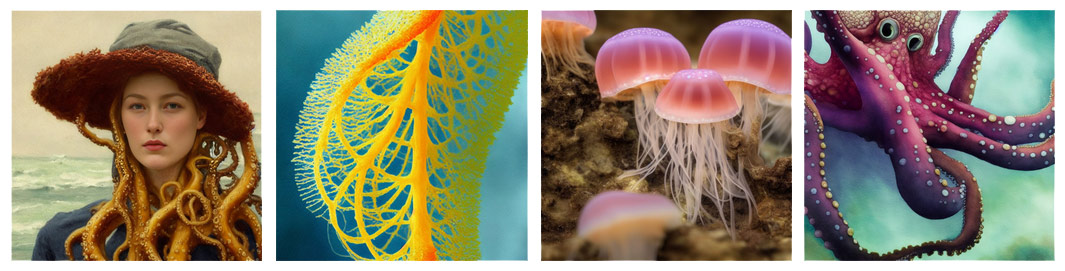
Generative Art
Exploring the collective unconscious with Stable Diffusion AI

SampleSwap
SampleSwap.org is a place for electronic musicians to share sounds (“samples”) and their original music. The site has over 390,000 registered users, and grows by about 150 members every day. It’s also home to an extraordinary collection of creative-commons licensed music for use in films, games, etc.

Photography
My Future Self
I thought it was a shame that Facebook and Twitter and blogging have all but killed the practice of keeping a diary for oneself. This site invites you to start a diary by beginning an email correspondence with “Your Future Self”. Each week you receive a new question via email. Just hit ‘reply’ to add a new entry to your diary. Social sharing is specifically disallowed, making a place for private journals once again.
Astronomy Calendar
Growing up under New Mexico’s dark skies, I learned to love star watching and all things astronomical. To help me remember to look up during special events like meteor showers, I published a calendar that you can subscribe to with your iPhone, Google calendar, or any ICS compatible calendar. Every year I update it to account for whatever astronomical pleasures are headed our way. Today it has over 175,000 subscribers.
White Noise MP3s
When my son was a newborn, we wanted to play white noise overnight to help him sleep. I couldn’t find anything I liked online, so I composed some in my music studio. I figured other parent’s might want these MP3s as well, so I threw together a quick web page to share them for free. Imagine my surprise when this became the single most popular page of my website, with 135,000 unique visitors per year.
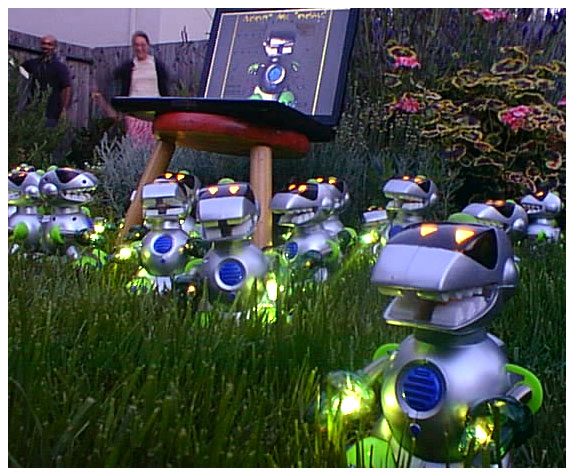
Electronic Oddities
Making inventions has been my hobby since I was a kid. When my grandmother gave me $20, I’d spend it all at Radio Shack™ buying LEDs, motors, and photosensitive resistors. As a grown-up, I still make weird stuff from time to time…
The Sculptabout Game
I like the board game Cranium okay, but I LOVE when it has you sculpt something. So, I invented a cooperative two-person card game which is entirely about sculpting with clay. All you need is some clay and a print-out of these PDFs to play.