Dinobots, Techno Taplights, and other Electronic Oddities
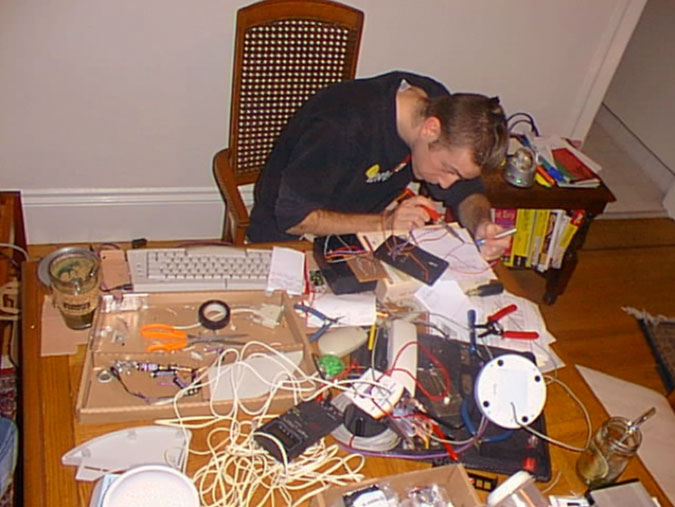
Making inventions has been my hobby since I was a kid. When my grandmother gave me $20, I’d spend it all at Radio Shack™ buying parts like LEDs, motors, and photosensitive resistors. By the time I was in 5th grade, I had invented synthesizer drum pads for my Commodore 64 computer, an electronic fish caller (that only scared away fish), and high voltage shockers. These days I still fool around with electronics for fun. Here’s a diary of my favorite creations.
Dinobots (2001)
Remote control MIDI dancing robots
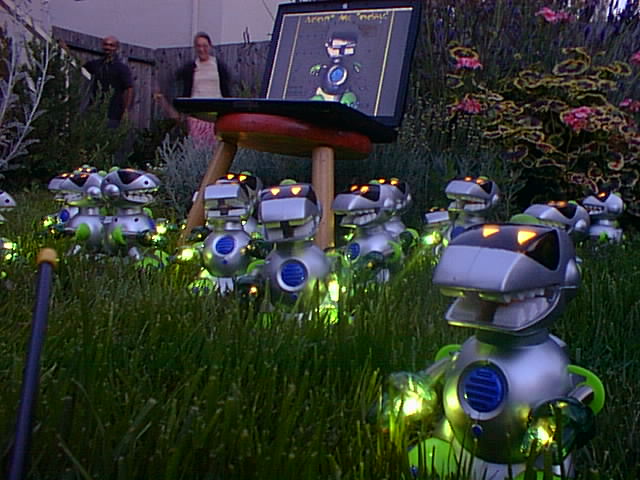
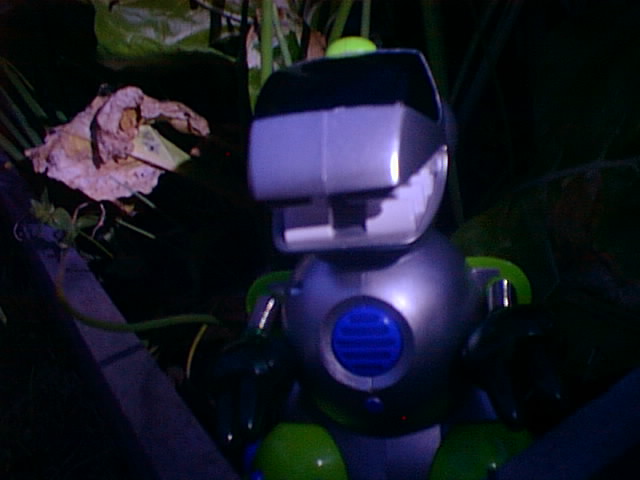
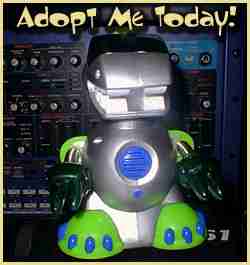
Greetings earthlings. We are DINO-TECHNO-BOTS. Our mission on earth is to make you move. Come dance while we threaten you with our blinky lights and ass-shaking beats… but really, what ARE these things?
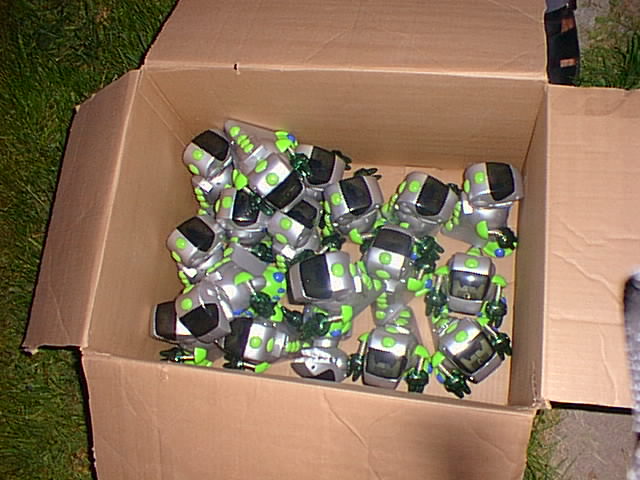
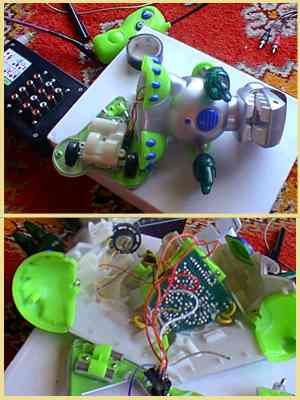
In 2002 I fell in love with this $20 remote control toy from Radio Shack. The remote control only had two buttons: Move forward, and spin. I disassembled one of these and wired it up to my DJ setup so that whenever they spun, the DJ setup would also play a selected loop. To make it more fun, I wanted to buy 20 more bots that would spin simultaneously when the buttons were pressed. So I setup an adoption program and had friends and family adopt-a-dinobot. Much fun was had when these were spinning around on the dance floor during DJ sets.


Techno Taplights (2001)
Visually appealing tactile DIY MIDI interface
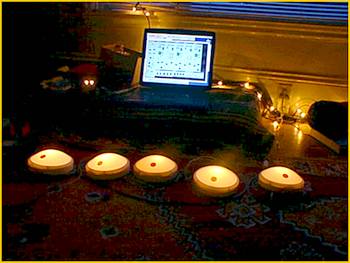
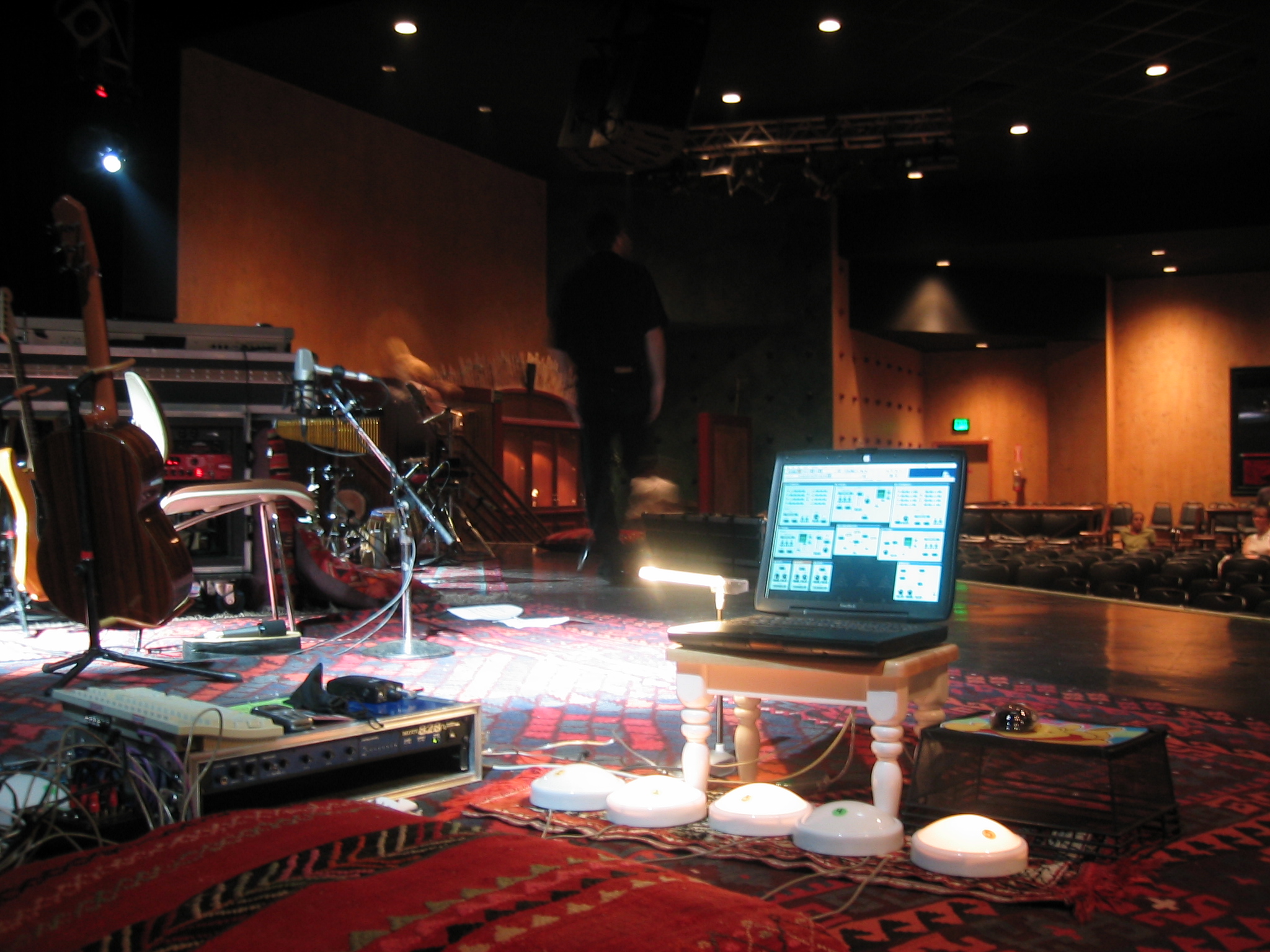
Watching DJ’s work on computers can be boring for the audience. DJ’ing can look just like checking email. To remedy this, I wired up a bunch of 6 inch “tap lights” to my computer. These are battery powered lights meant for illuminating closets that work like giant switches. You press the dome to activate the switch.
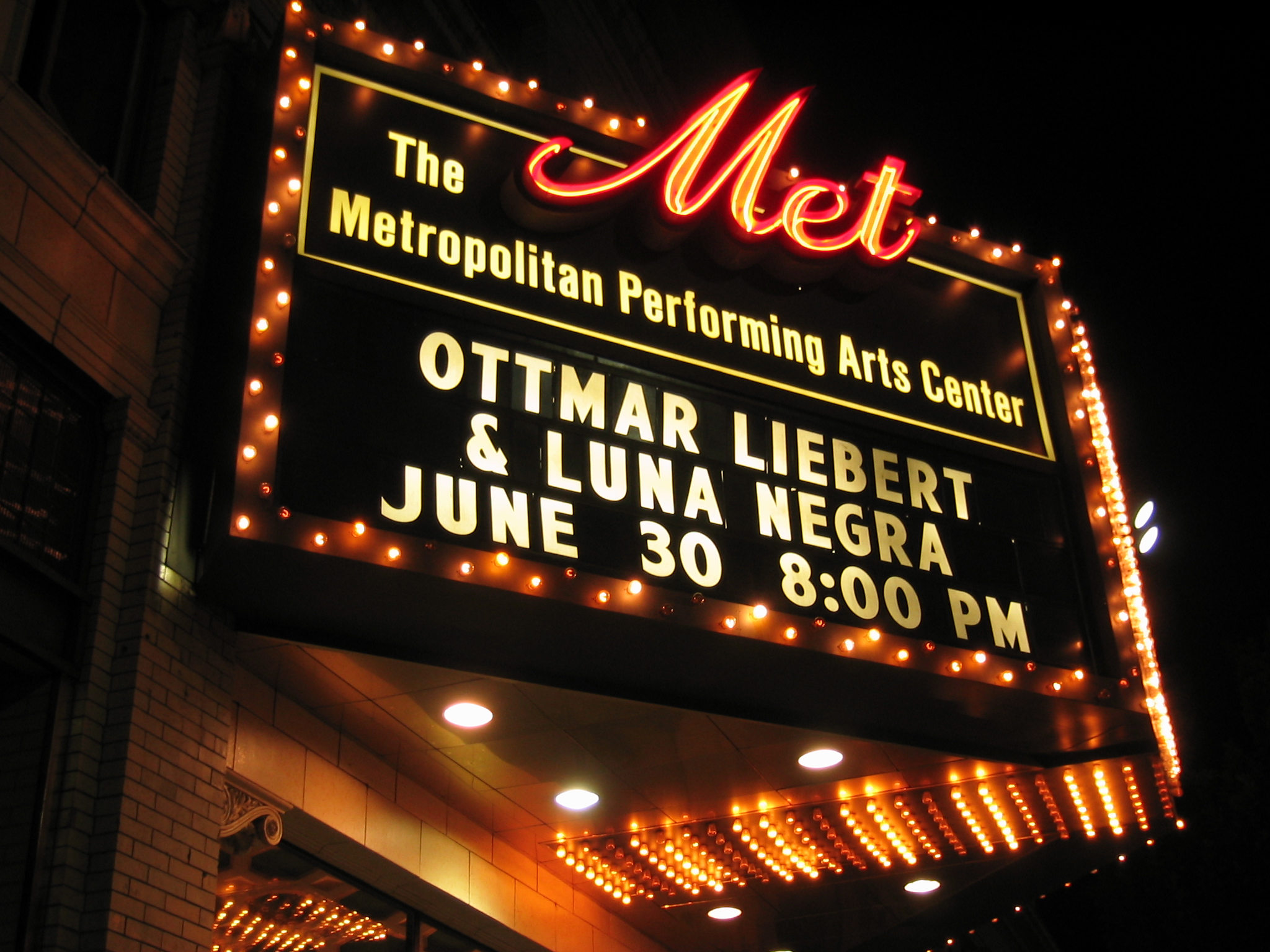
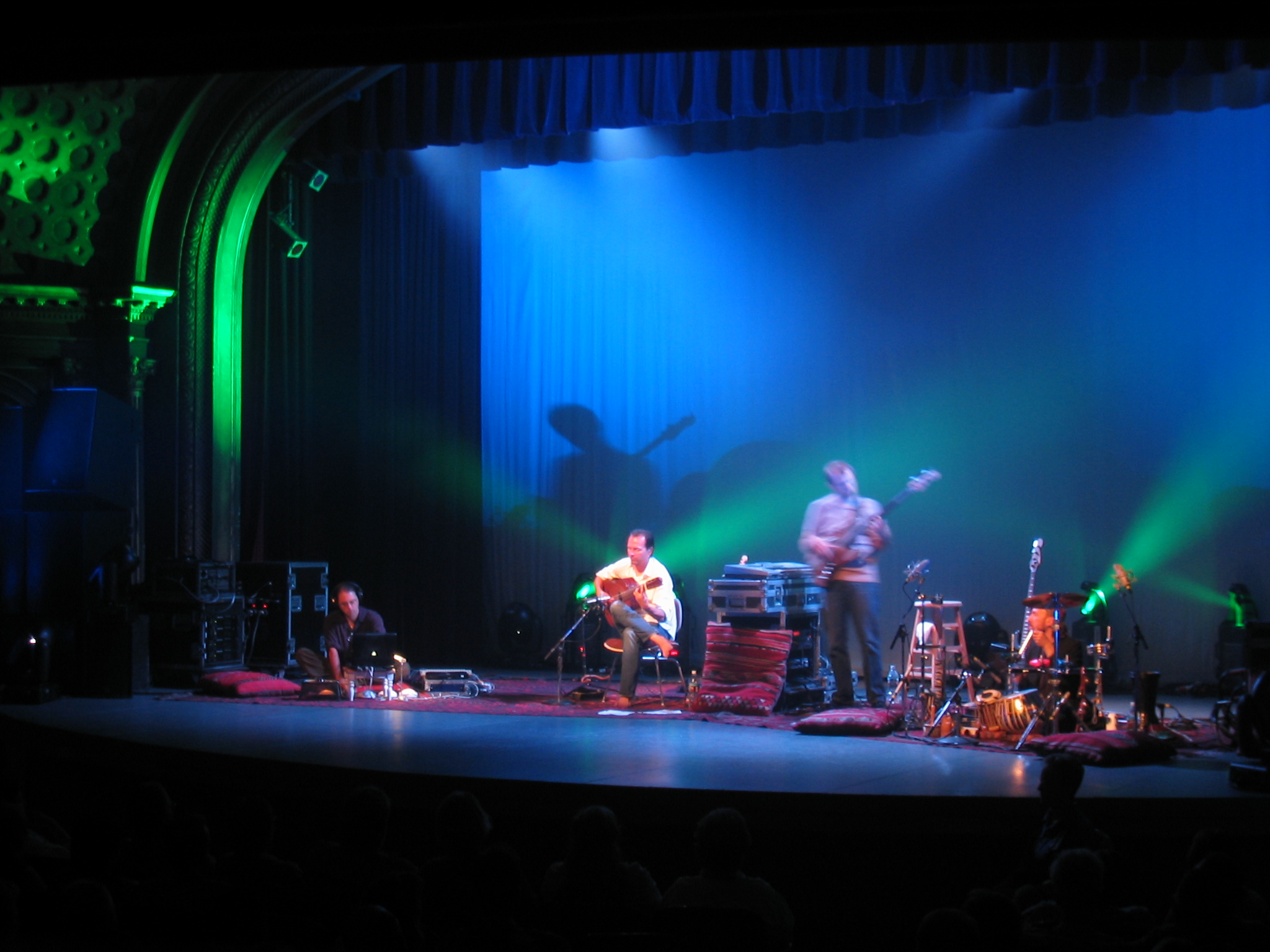
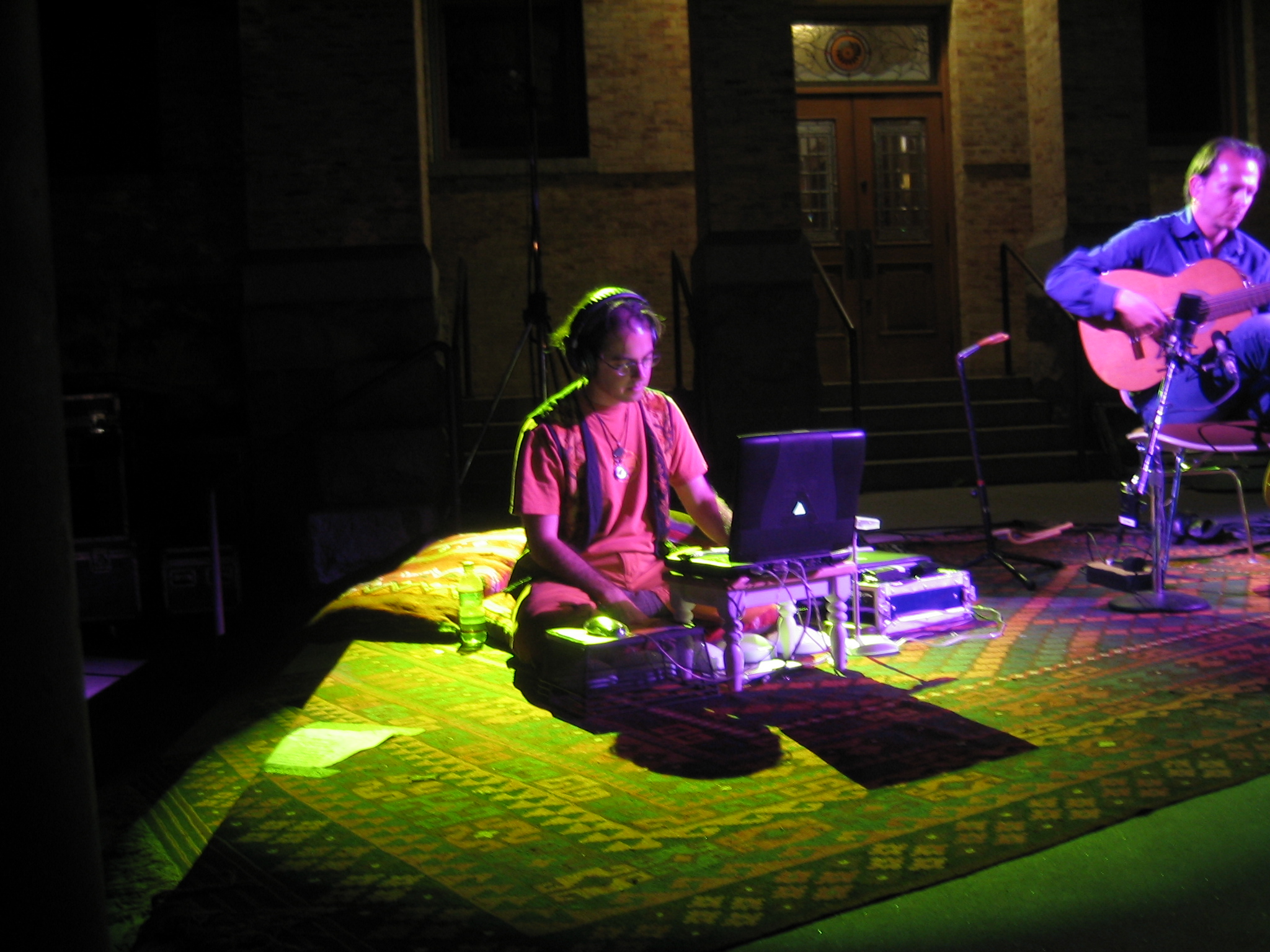
Each taplight triggered a different loop. Pressing giant light-up buttons that activate loops does make sense to the audience. In 2003, I toured with friend and flamenco guitarist Ottmar Liebert, using the taplights to add traditional flamenco rhythms along with the live band.


The Udderthump (2003)
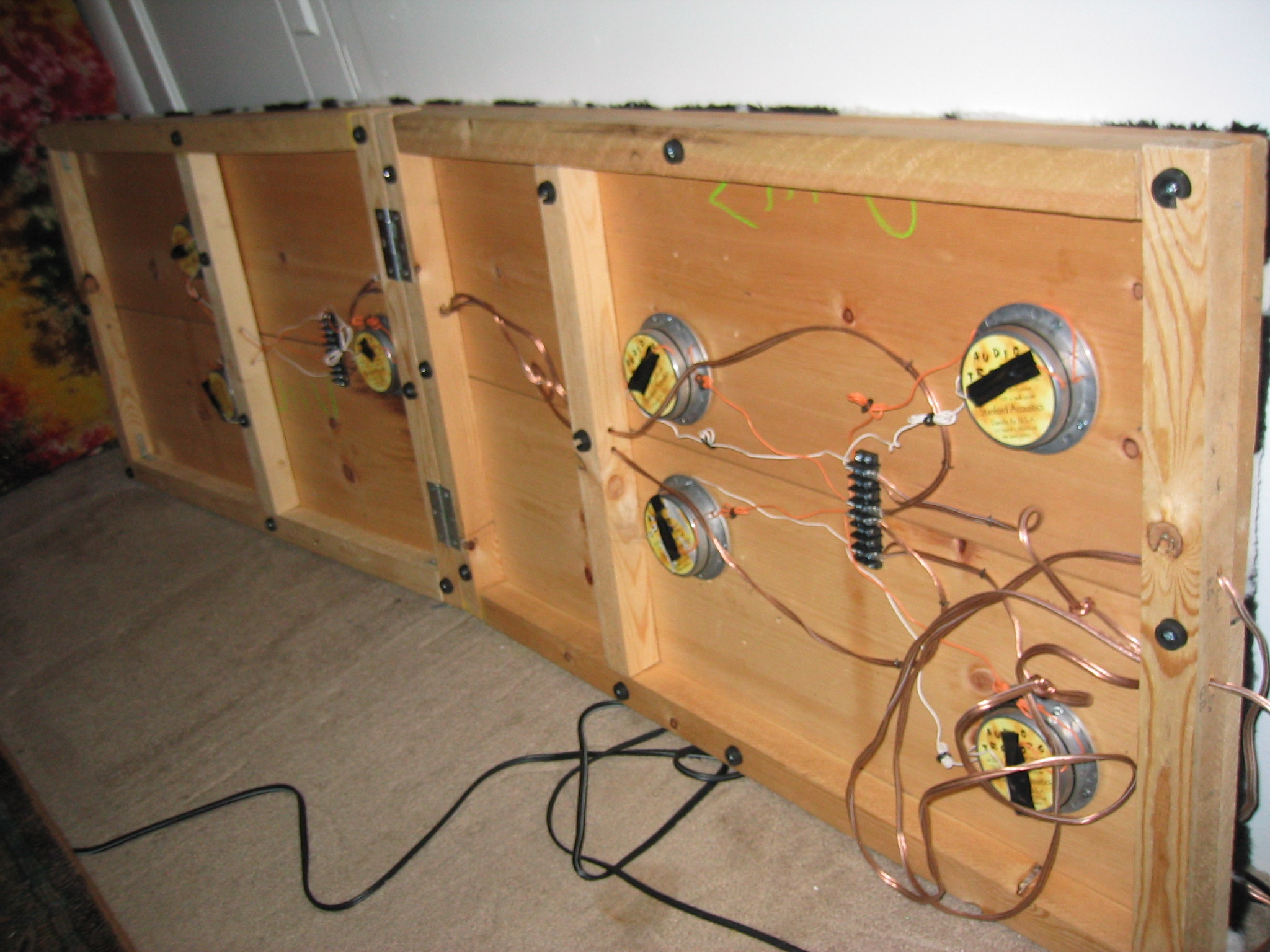
Portable sound transduction platform
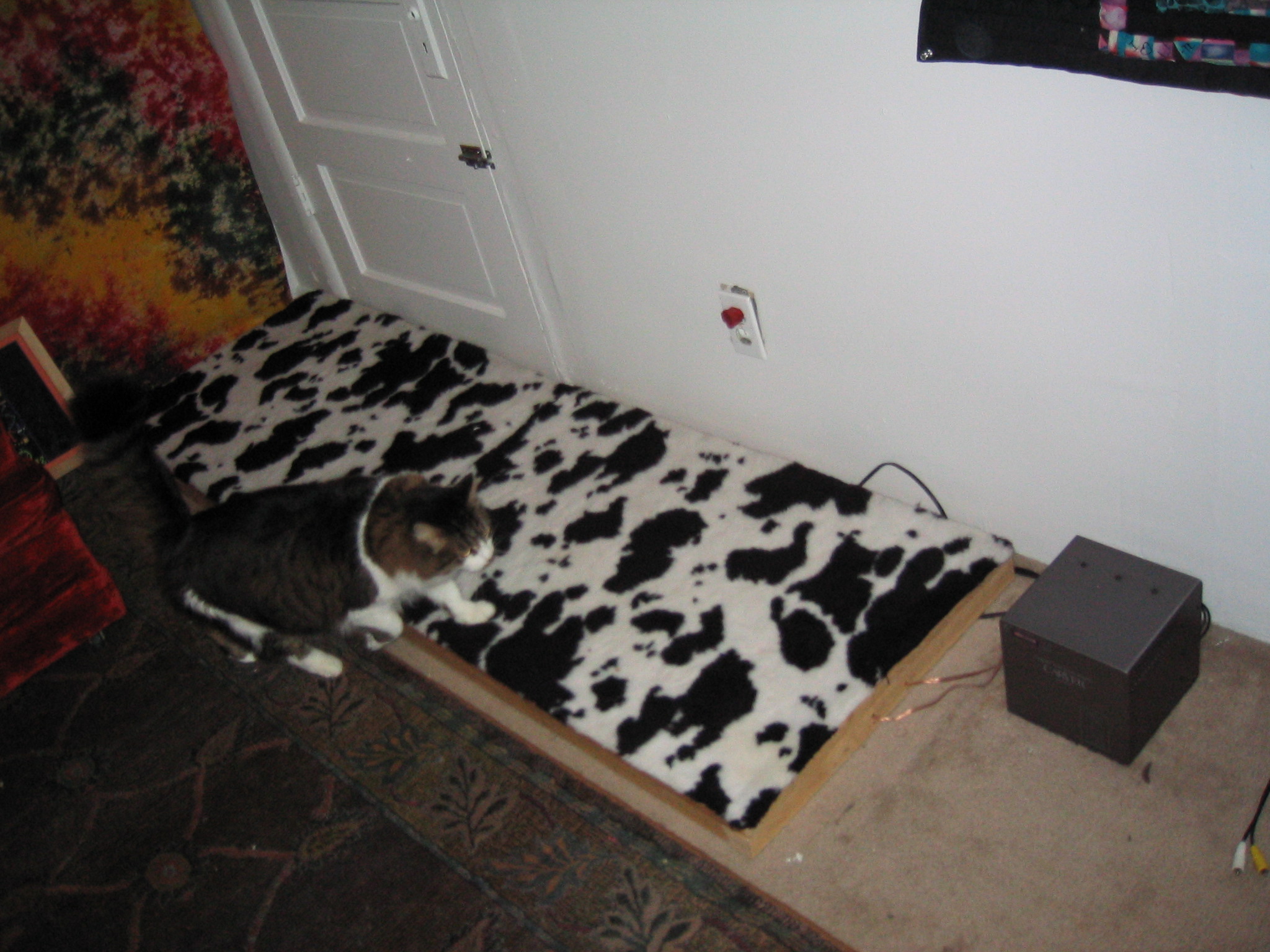
I used to go to a lot of raves, and at every rave you find a few kids who are pressed up against huge speaker stacks, blowing out their ears, just because they like the feeling of bass waves against their bodies. I originally intended the Udderthump to be a portable rave device that would give dancers that “bass you can feel” experience without risking hearing damage.
But what I discovered was that folks using the Udderthump reported that it put them into profoundly relaxed states. Why is this? My guess is that when we experience tacticle music, we pay less attention to the senses we typically employ, and it puts us in a meditative state. Body-listening isn’t just about crude vibrations, like when a heavy truck rumbles by. In fact, your body can perceive subtle and musical frequency changes, just like your ears, only at much lower frequencies.
Emotion Vest (2002)
Wearable emotion indicator
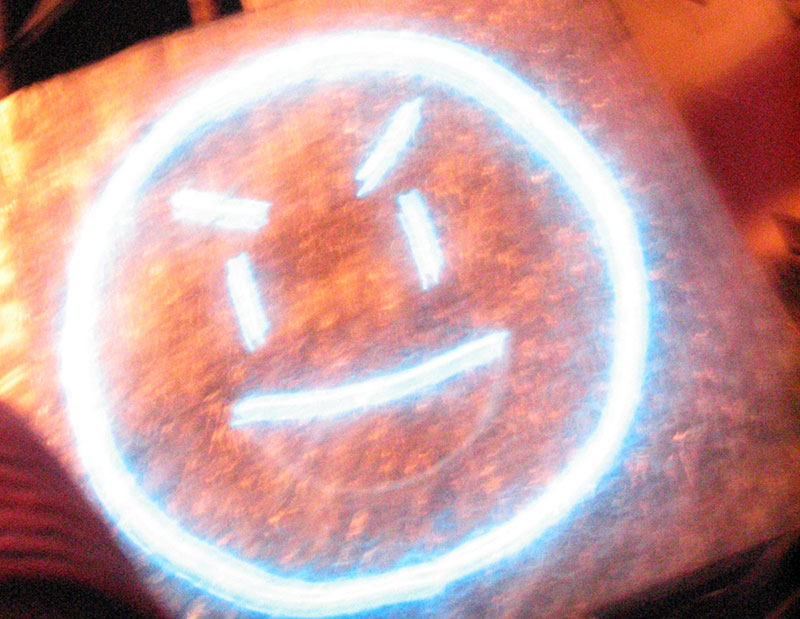
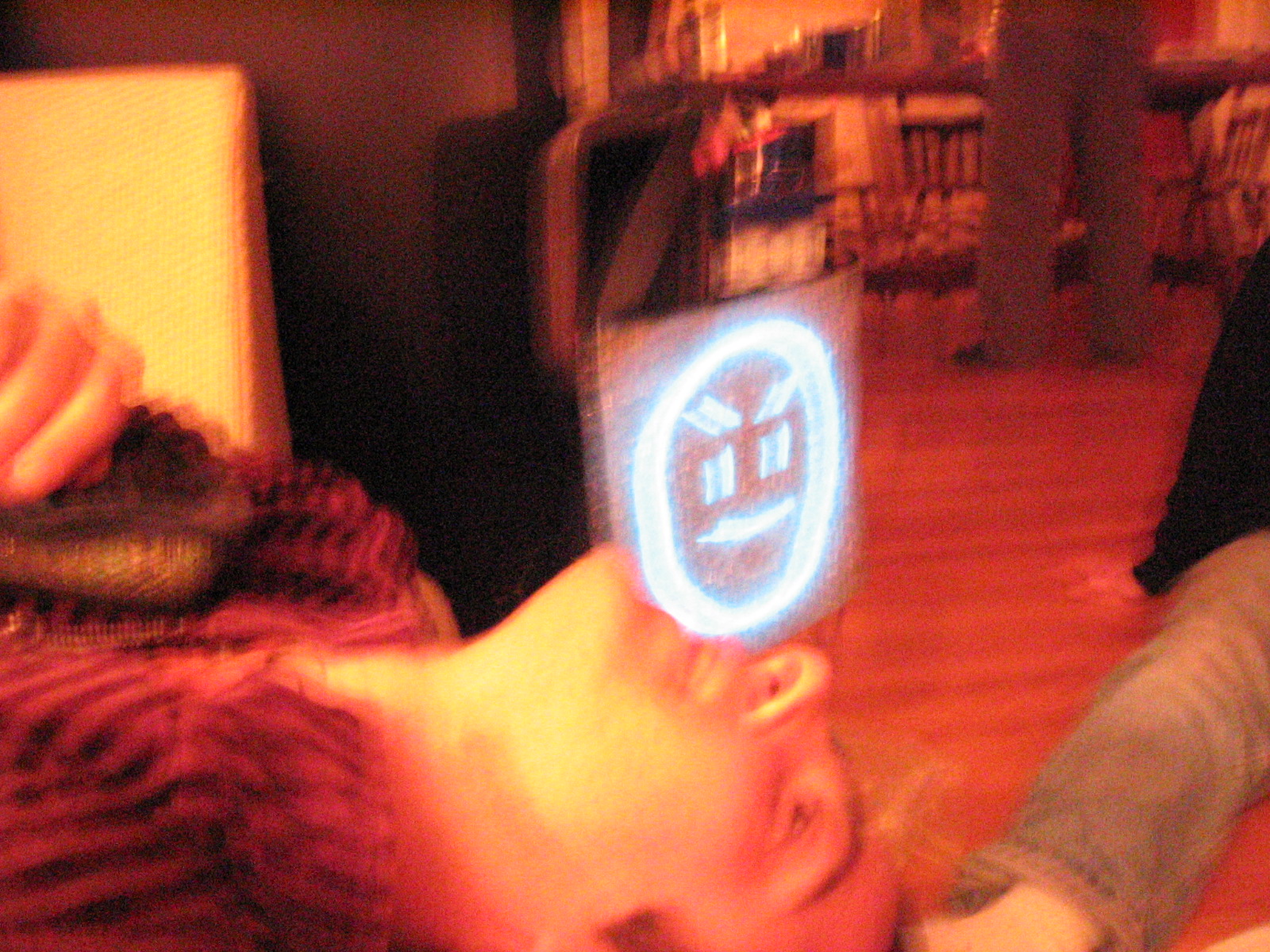
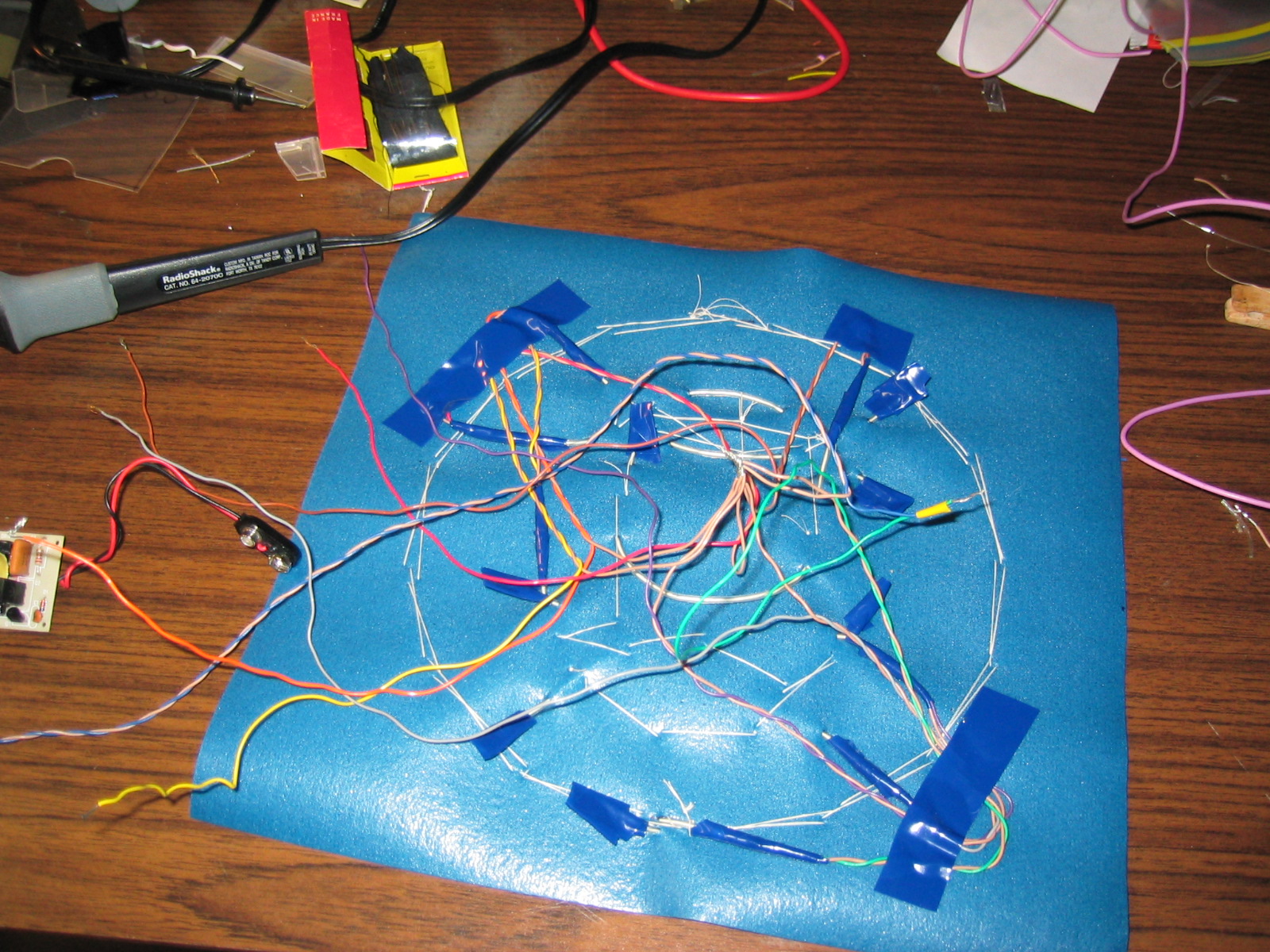
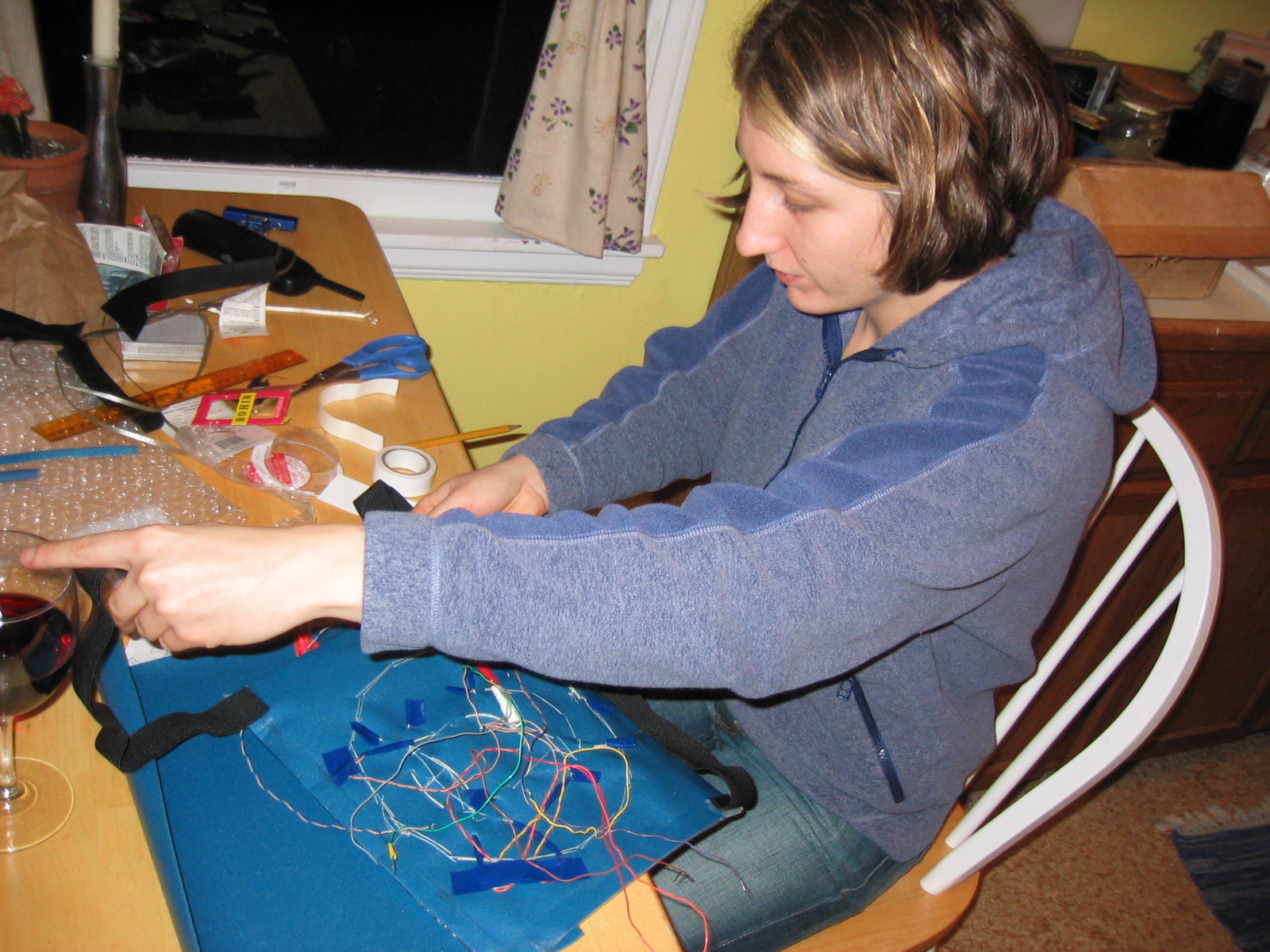
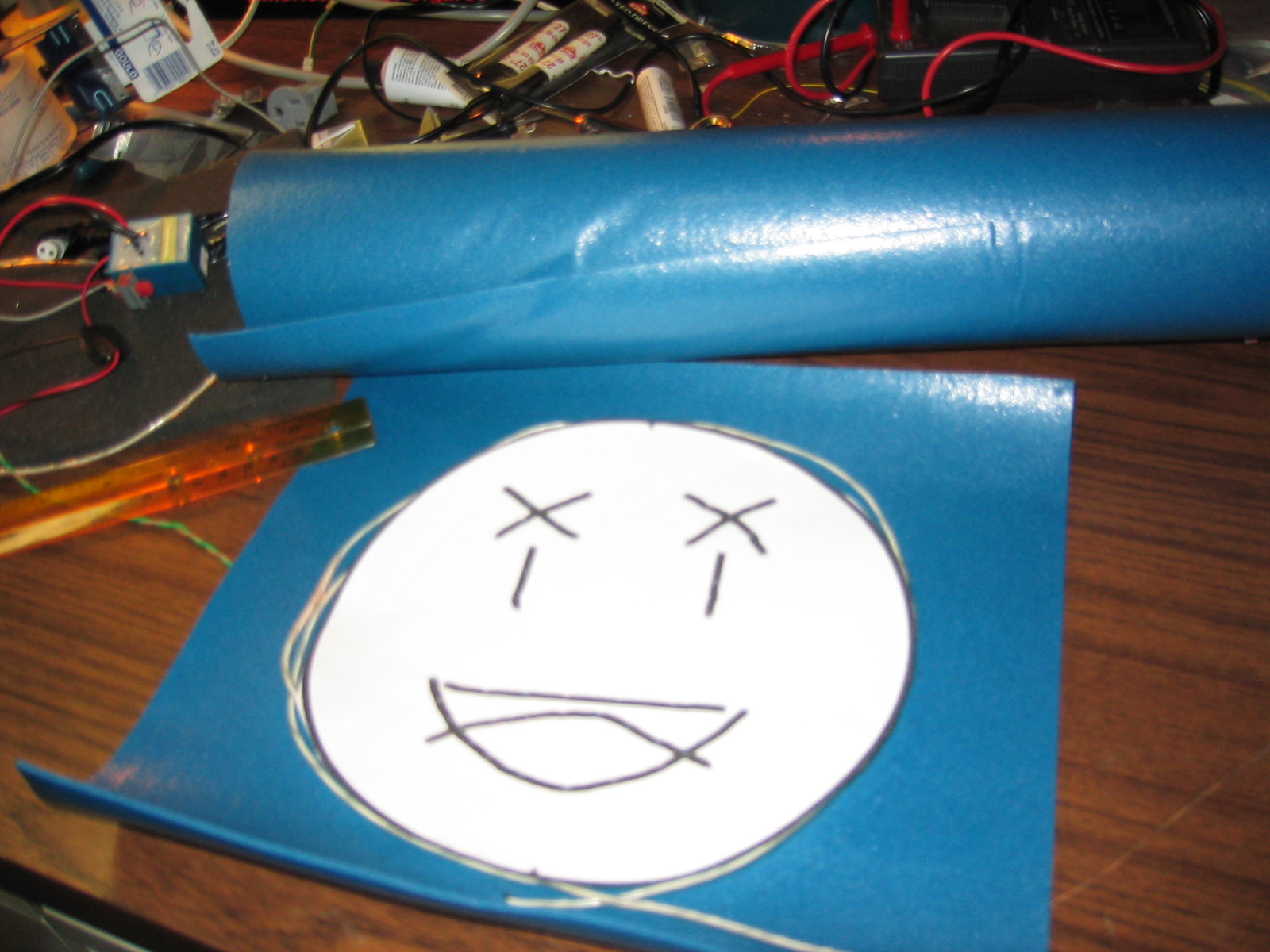
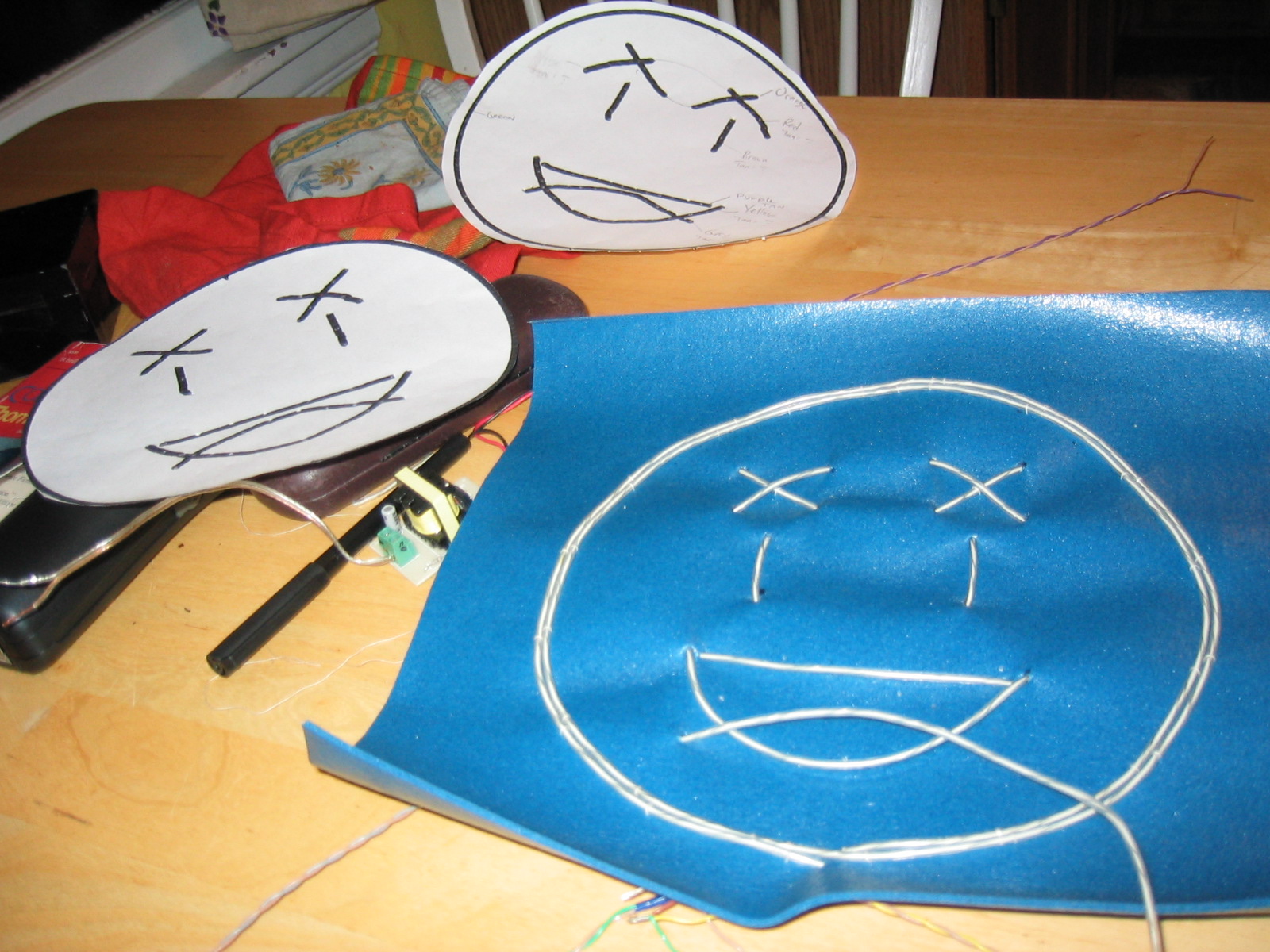
I had this thought, “wouldn’t it be fun to have a shirt that TOLD everyone how you were feeling?” I made this vest with neon ‘el wire’ that could display emoticons like happy, sad, confused, and amazed. To change the emotion on the vest, you just pop in a different punch card.